
For years, many shops in Bangladesh have run on a khata (ledger book), a calculator and a good memory. Some have moved to spreadsheets. These methods can work for a single small shop, but as products, staff and branches grow, they start costing time and money in ways that are easy to miss.
This guide explains why retailers are moving to cloud POS and inventory management software, which features to look for, and how to make the switch smoothly.
The hidden cost of registers and spreadsheets
Manual records tend to fail in the same places:
- Stock you think you have, but don't. Without real-time tracking, a product can run out before anyone notices, and customers walk away.
- Stock you have too much of. Slow-moving items tie up cash on your shelves.
- Expired products. In groceries, bakeries and pharmacies, expiry dates are hard to follow on paper, and expired stock is lost money.
- Slow checkout. Writing memos and adding totals by hand creates queues at busy times.
- Unclear profit. When sales, purchases and expenses sit in different books, it is hard to know what the business really earns.
- Branch blind spots. Owners with more than one shop often have to phone or visit each branch to know what is happening.
- Data risk. A lost register or a damaged computer can wipe out years of records.
What cloud POS and inventory software changes
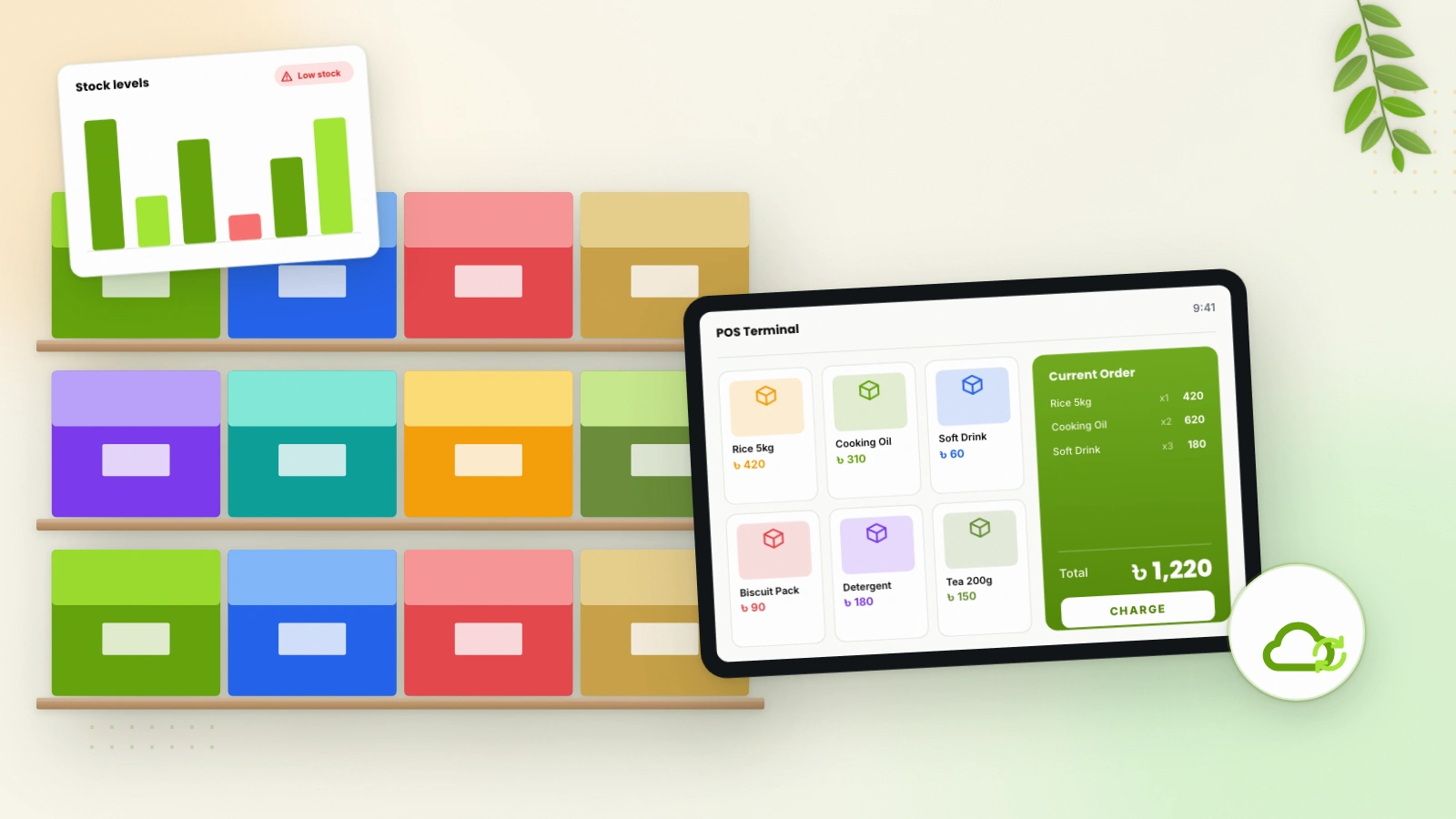
A cloud-based POS system records every sale at the counter and updates stock as it happens. Because the data is stored online, the owner can check sales, stock and reports from a phone or laptop, whether at home, at another branch or travelling.
Features to look for
Not every POS software in Bangladesh offers the same features. Use this list when you compare options.
Point of sale
- Fast checkout with barcode scanning
- Multiple payment methods
- Instant receipt printing
- Customer records for repeat buyers
Inventory management
- Real-time stock tracking
- Low-stock alerts
- Expiry management for perishable or dated products
- Stock across multiple locations
Local payments
Many customers now prefer to pay with mobile financial services. Look for software with bKash and Nagad integration, so these payments are part of your system rather than a separate record.
Reports and accounting
- Sales analytics by product, period and branch
- Profit and loss statements
- Tax and VAT reports
- An accounting module with journal entries and a balance sheet
Users, branches and security
- Separate logins with role-based permissions, so cashiers only see what they need
- A central dashboard for all branches
- SSL encryption and two-factor authentication
- Automatic backups and access from any device
A fair pricing structure
Check whether a plan limits users, products or invoices. Limits that look harmless today can become expensive as you grow.
A quick comparison
| Task | Register or spreadsheet | Cloud POS and inventory |
|---|---|---|
| Checkout | Manual calculation | Barcode scan and instant receipt |
| Stock level | Counted by hand | Updated in real time |
| Expiry tracking | Hard to follow | Tracked in the system |
| Profit view | Worked out later, if at all | Profit and loss reports |
| Multiple branches | Phone calls and visits | Central dashboard |
| Backup | Paper or a single device | Automatic cloud backups |
How to switch smoothly
- Clean up your product list. Gather product names, categories, prices and barcodes in one place.
- Count your stock. Start the new system with an accurate opening stock.
- Set up users and roles. Decide who can sell, who can change prices and who can see reports.
- Try it first. Use a demo, or start with a few products, before going fully live.
- Train your staff. A short hands-on session at the counter goes a long way with a well-designed POS.
- Review reports every week. The real value comes when you use the data to decide what to reorder and what to discount.
Meet IDTpos: POS and inventory software built for Bangladesh
IDTpos is cloud POS, inventory management and accounting software built by Minus Point for businesses in Bangladesh. It brings the features above together in one system:
- Smart point of sale with fast checkout, barcode scanning, multiple payment methods, customer management and instant receipt printing
- Inventory management with real-time stock tracking, low-stock alerts, expiry management and multi-location support
- bKash and Nagad payment integration
- Reporting with sales analytics, profit and loss, tax reports and customer insights
- Multi-user and multi-branch control with role-based permissions and a central dashboard
- Accounting with journal entries, balance sheet, profit and loss and VAT compliance
- Cloud access from any device, with automatic daily backups, SSL encryption and two-factor authentication
IDTpos suits everything from a small shop to a multi-branch chain, including grocery and kirana stores, bakeries, fashion retailers, hotels and pharmacies. It is available on monthly, yearly and 3-year plans, and every plan includes unlimited users, products and invoices.
Try IDTpos for your business
Explore the free live demo at demo.idtpos.com and see the plans at idtpos.com. For an overview, visit our IDTpos inventory management system page, or contact us to talk through your setup. If your business needs something beyond retail, our custom software team can build it.